


BDF is an electronics manufacturer, who has released many budget friendly tablets in the past, and today we have a new one named BDF P50, an entry level tablet that’s capable of making calls and offers many features without breaking the bank.

This tablet boasts promising features for its price, a 10.1inch HD display, stereo speakers, Dual sim card with 4G network support, 8gb of ram and 256GB of expandable storage, a dual camera setup from the back and a 2Mp front facing camera. This device has the new Android 12 running on Mediatek Helio P22 with 2GHz frequency, and last but not least, it has a 5000mAh battery, in this review we’ll discover whether this tablet offers great value, and whether it’s worth buying.
Quick Navigation (Table of Contents)
- BDF P50 Features
- Unboxing and First Impressions
- Design and Build Quality
- BDF P50 – Display and Visual Experience
- Performance of BDF P50
- Software and User Experience
- BDF P50 – Connectivity & Call Quality
- Battery Life Performance & Usage
- Final Verdict
- Price and Where to buy
- Package Contents
- BDF P50 – Specifications:
BDF P50 Features
- Slim & Durable body
- Octa-Core Helio P22, 2.2GHz
- 10.1″ HD, 1280x800p
- Dual Stereo Speakers
- Dual cameras set up
- 2Mp Front facing camera
- 4G Network support
- 8GB RAM + 256Gb ROM
- Android 12OS
- 5000mAh Large battery
- Keyboard and Stylus Support
Check BDF P50 in the link below:
Unboxing and First Impressions
When you embark on the unboxing journey of the BDF P50 tablet, your initial impression is dominated by the box itself. It possesses a substantial weight, approximately 800 grams, hinting at the promise of a well-crafted device within. The box exudes a sense of quality, with a white color palette and a minimalist BDF logo elegantly placed both in the center and on the side, giving it an understated yet premium feel. To unveil the tablet, you slice through the protective plastic wrap, and with a smooth lift of the top, the bottom effortlessly slides down, unveiling the exciting contents of the package.

Inside this carefully designed box, the P50 tablet takes center stage, wrapped snugly within a protective plastic bag and encased in foam. This meticulous packaging ensures that your tablet arrives in pristine condition, free from scratches or damage that may occur during transit. Delving further into the box reveals the accompanying accessories, which may vary depending on your specific order. In its standard configuration, you can expect to find essentials like the adapter, a USB Type-C charging cable, a card pin, an OTG adapter, and a user manual. However, you also have the option to enhance your experience by adding extras such as a protective case or a keyboard, tailoring the unboxing experience to your unique needs and preferences.
Design and Build Quality
The BDF P50 tablet boasts a design and build quality that defies its budget-friendly price tag. From the moment you lay eyes on it, you’re greeted with a sense of sturdiness and aesthetic appeal, particularly noticeable from the rear. The brushed metal finish not only adds to its visual appeal but also provides a pleasing tactile experience. Weighing in at 515 grams and measuring just 6.86 mm in thickness, it strikes a balance between portability and robustness, thanks to its metal frame.

The tablet’s design incorporates a subtle 3D arc back, crafted to fit comfortably in your hand, allowing for extended usage without discomfort. An AG frosting process adds to its elegant appearance and provides a warm and inviting touch. You have the choice of three distinct color options: emerald green, deep sky blue, and jade white, catering to diverse style preferences. When viewed from the back, the tablet showcases a minimalist and clean design, featuring only the BDF logo and essential certifications discreetly placed on the side.
Exploring its sides, you’ll find practical elements such as volume buttons, a power button, a USB Type-C charging port, a dual SIM card tray with micro SD support, and a conveniently located headphone jack. On the front side, the tablet houses a 10.1-inch IPS HD display, encircled by slightly thicker bezels, effectively concealed when using the protective case. To sum it up, the BDF P50 tablet masterfully combines build quality, aesthetics, and functionality, delivering a satisfying tactile experience for users.

BDF P50 – Display and Visual Experience
The screen on this device is a 10.1-inch IPS display with a respectable resolution of 1280x800p, sourced from the well-known brand Boe. However, it’s important to note that this display exhibits some characteristics typical of budget tablets. One noticeable aspect is its reflective nature, making it advisable to avoid usage under direct light sources to maintain optimal visibility. While the tablet’s brightness levels are sufficient for indoor use, outdoor usage under bright sunlight may pose visibility challenges. Additionally, given its budget-friendly positioning, users should expect some color accuracy deviations, although these are generally not significant enough to detract from the overall media consumption experience.
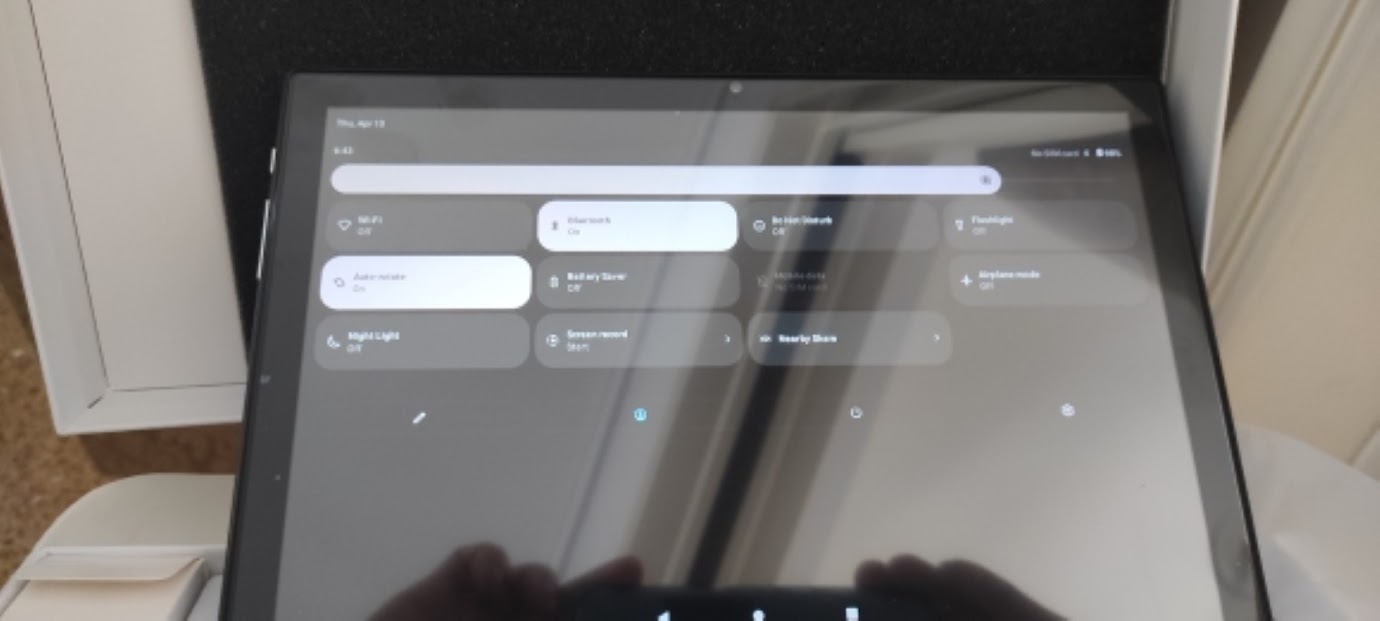
Despite these considerations, the BDF P50 tablet shines in terms of responsiveness and touch performance. Unlike many cheap tablets that struggle with lag and unresponsiveness, this tablet delivers a smooth and lag-free experience. Whether you’re scrolling through web pages or interacting with touch-based applications, the tablet keeps up with your gestures, ensuring a seamless user experience. In summary, while the display may have some limitations typical of budget devices, the tablet compensates with its responsive and user-friendly interface, making it a capable choice for various tasks and media consumption scenarios.
Media consumption & Audio
The P50 tablet offers a commendable media consumption experience, with stereo speakers located at the bottom. While BDF advertises these speakers as Hi-Res certified, some users may not find the audio quality to meet audiophile standards. However, they perform admirably for various forms of media, including audiobooks, movies, and YouTube videos. While they may not satisfy the most discerning music enthusiasts, they provide clear and immersive audio for most content.

In terms of visual content consumption, the tablet excels, thanks to its HD resolution, allowing it to handle media playback at 720p effortlessly. One of its standout features is its ability to seamlessly stream content without noticeable buffering, a credit to its capable Helio P22 CPU. Additionally, the tablet’s unexpectedly loud speakers enhance the overall viewing experience, providing immersive audio that adds depth to your media consumption. In summary, the BDF P50 offers a satisfactory audio-visual experience for a variety of media applications.
Performance of BDF P50
This BDF tablet packs a performance punch with its Helio P22 octa-core CPU. This chipset features eight 12nm Cortex-A53 cores clocked at 2.2 GHz, providing a solid foundation for smooth multitasking and app performance. Combined with the new Android 12 version, the tablet’s 8GB of RAM offers ample memory for running multiple applications simultaneously, making it a versatile device for productivity and entertainment.

However, it’s essential to note that the device’s performance is somewhat limited by its relatively weak system-on-a-chip (SoC). While the CPU handles everyday tasks and lighter applications with ease, it may struggle with resource-intensive applications or high-end gaming. Nevertheless, the tablet remains perfectly capable of running mobile games like Asphalt 9 and PUBG Mobile at lower graphics settings, making it suitable for casual gaming sessions with friends. The P50’s strength lies in its multitasking capabilities and expansive storage, allowing users to store and manage a variety of content and applications.
Camera performance and pictures of the BDF P50
Speaking of cameras, this tablet offers a functional yet modest camera setup. On the back, you’ll find two cameras—a 5MP main camera and a 2MP depth camera. While these cameras are capable of shooting 1080p videos at 30fps, it’s important to note that the design might mislead with its appearance of three cameras; the third one is purely for aesthetics and doesn’t have any practical functionality. As for the main camera’s image quality, it’s manageable. You can capture photos that meet basic expectations, but don’t anticipate high-quality shots. The main camera does the bare minimum for capturing everyday moments.

On the front, there’s a 2MP camera capable of shooting 720p videos at 30fps. While this front-facing camera might not have the highest resolution, it serves its purpose well. It’s suitable for video conferencing, making it a useful tool for Zoom meetings, online classes, and other virtual interactions. Overall, the P50’s camera performance is functional for essential photography and video conferencing needs, but it’s not intended for professional-grade photography or advanced imaging tasks.
Software and User Experience
The BDF P50 tablet delivers a smooth and user-friendly software experience powered by Android 12, the latest optimized version of Android. The software is refreshingly clean, free from any bloatware or pre-installed apps that can clutter your device. This streamlined approach ensures that the tablet’s performance remains snappy and responsive, without unnecessary background processes or resource hogs.

Thanks to its substantial storage capacity and generous 8GB of RAM, the P50 supports seamless multitasking. You can open and run numerous apps simultaneously without experiencing slowdowns or freezes. This feature is particularly advantageous for productivity tasks, allowing users to switch between applications with ease. The device’s compatibility with most apps available on the Play Store further enhances its user experience, making it a versatile and capable tool for a wide range of applications and tasks.
BDF P50 – Connectivity & Call Quality
The BDF P50 tablet offers versatile connectivity options that enhance its functionality. With dual SIM support and compatibility with 4G networks, you can enjoy high-speed downloads and seamless streaming on this device. This feature adds convenience, allowing you to stay connected even when Wi-Fi (802.11 b/g/n) is unavailable, providing a high-speed connection to local routers. Moreover, Bluetooth support enables easy pairing with external devices like headphones, ensuring a hassle-free audio experience.

One standout feature is its call support, essentially making the P50 a “Fablet” – a combination of a tablet and a phone. This means you can use the tablet to receive and make calls, eliminating the need to reach for your smartphone every time you have a call. The tablet’s microphones and speakers work together to provide acceptable call quality, ensuring that both you and the person on the other end can communicate clearly. This feature is not only useful for cellular calls but also shines in messaging apps like Messenger and WhatsApp, making it a versatile communication tool for various scenarios. The inclusion of Wi-Fi (802.11 b/g/n) further extends its connectivity benefits, allowing for high-speed wireless internet access and a broader range of connectivity options.
Battery Life Performance & Usage
With a 5000mAh battery capacity, this device boasts a commendable battery life. With moderate usage, you can expect the tablet to last approximately a full day on a single charge. When it’s time to recharge, the tablet supports fast charging through the USB-C port located conveniently under the power button, taking about 2 hours to replenish the battery fully. Despite the power-hungry 10.1-inch screen, the tablet’s energy-efficient CPU ensures that it strikes a balance between screen size and power consumption, contributing to its respectable battery performance.

Final Verdict
Retailing for only $100 on AliExpress, the BDF P50 offers a budget-friendly solution with a solid design, modest performance, and a decent media experience. It boasts a responsive 10.1″ IPS display with HD resolution and good touch responsiveness. The stereo speakers provide satisfactory audio quality for various content types, though not ideal for audiophiles. Its Helio P22 CPU supports smooth multitasking and casual gaming. The camera setup is functional for basic photography and video conferencing. While it’s not a high-end tablet, the BDF P50 offers reliable performance for everyday tasks and entertainment at an affordable price.

Price and Where to buy
The BDF P50 is available for purchase on the AliExpress store at a discount for only around $100, if you liked the product, go check it out by clicking on the Buy Now.
Package Contents
- 1 x BDF P50 Tablet
- 1 x Data Cable
- 1 x Card Pin
- 1 x User Manual
- 1 x OTG adapter

BDF P50 – Specifications:
| General | Brand: BDF, Model: P50, OS: Android 12.0, CPU: Helio P22 |
| Storage | RAM: 8GB, Hard Disk Memory: 256GB |
| Network | Wi-Fi: 802.11 b/g/n |
| Bluetooth: BT5.0 | |
| Camera | Two Rear Cameras 5Mp & 2Mp, 2 Megapixel Front-Facing Camera |
| Connectivity | 2G 3G 4G LTE Network |
| Power | Battery: 5000mAh |
| Other Features | FM, Sim Card Phone Call Function, Speaker/MIC: Built-in stereo speakers and microphone. Languages: Multi |
| Dimensions | Package size: 35 x 25 x 5cm Product weight: 510g |
